To spread the original, universal and eternal truth, path or law of yoga, which remains forever the same in essence, yet always adapts to the time and place.
|
To spread the original, universal and eternal truth, path or law of yoga, which remains forever the same in essence, yet always adapts to the time and place. |
|
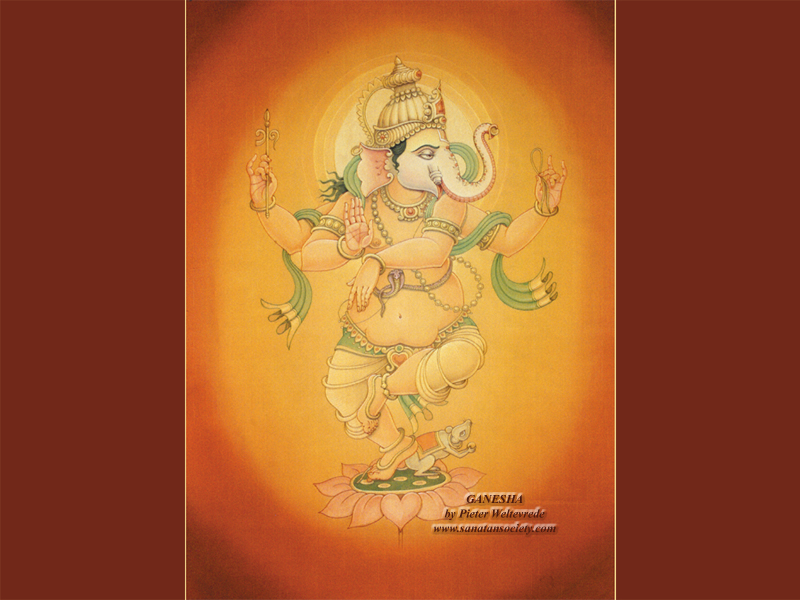
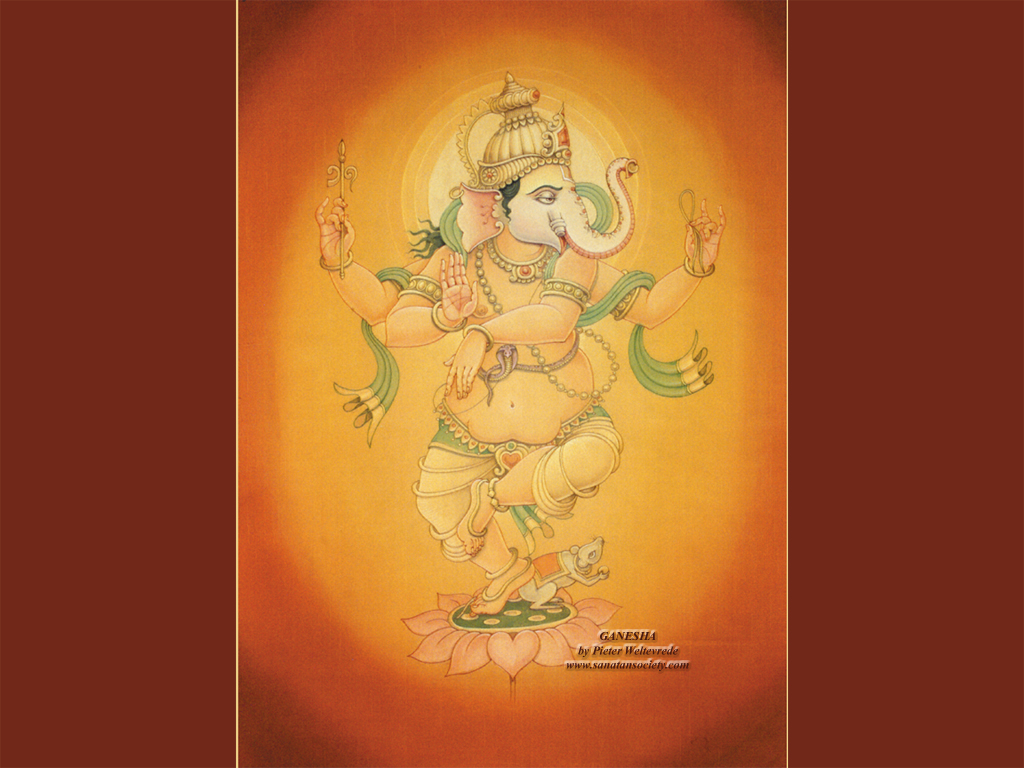
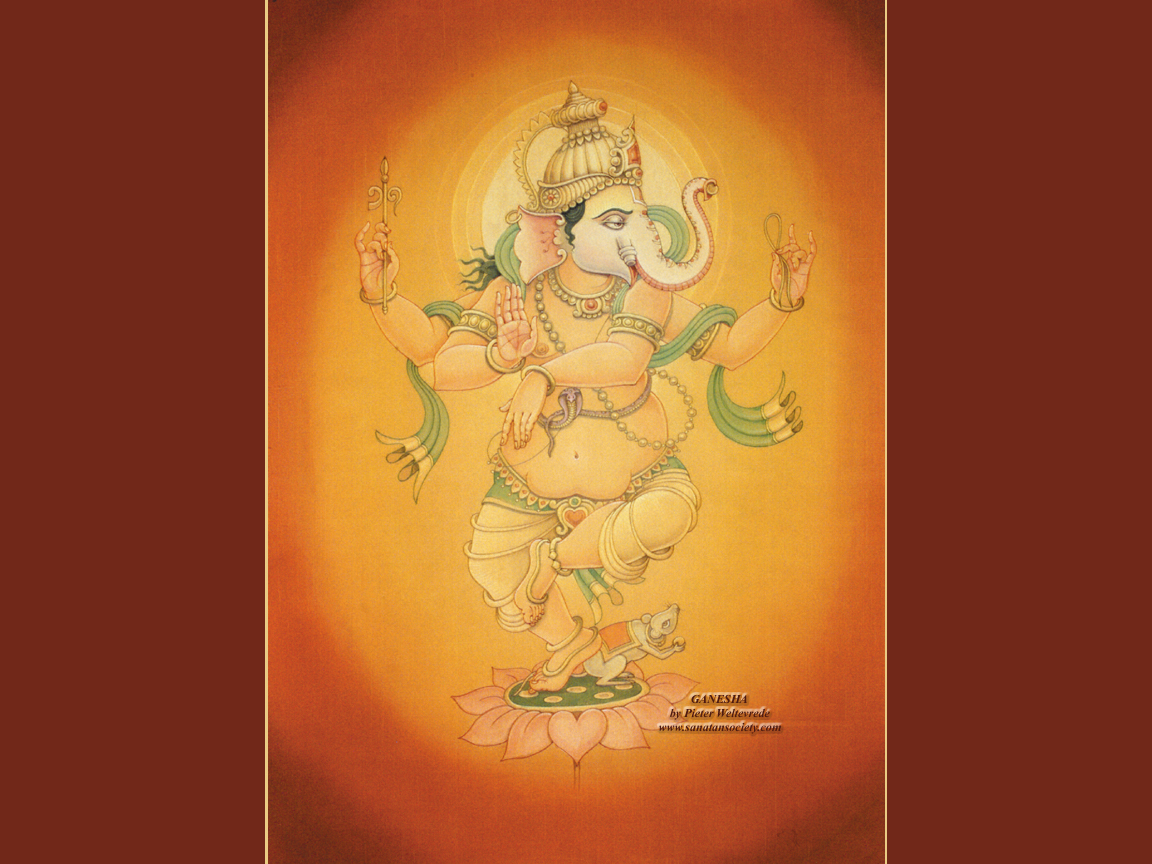
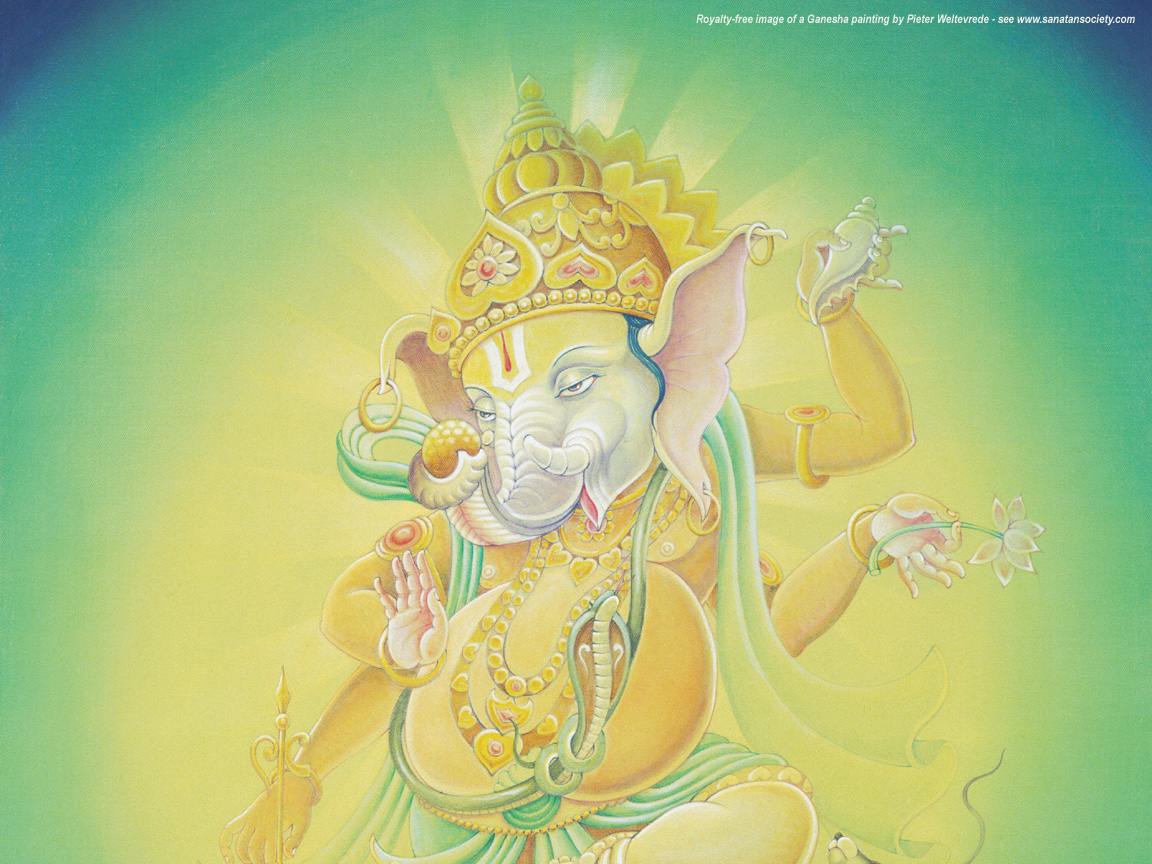
| Dancing
Ganesha |
|||||||||
|
|||||||||
|
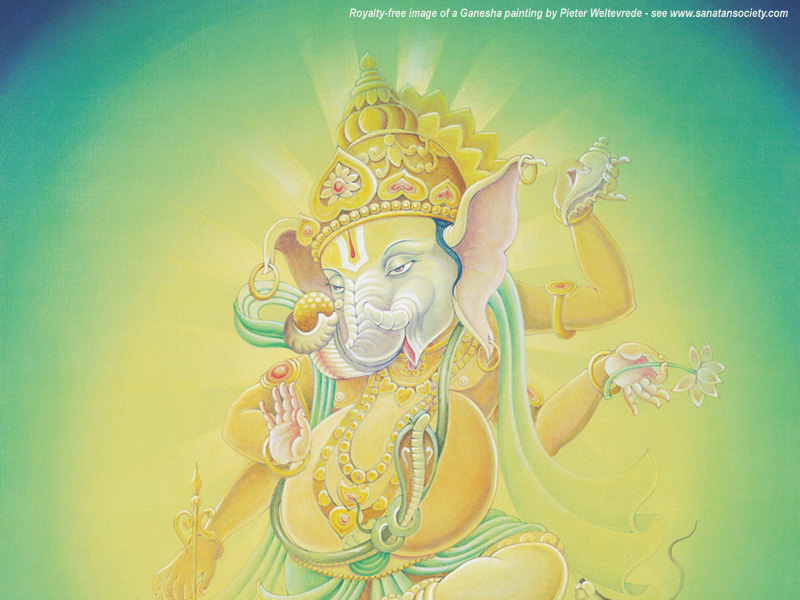
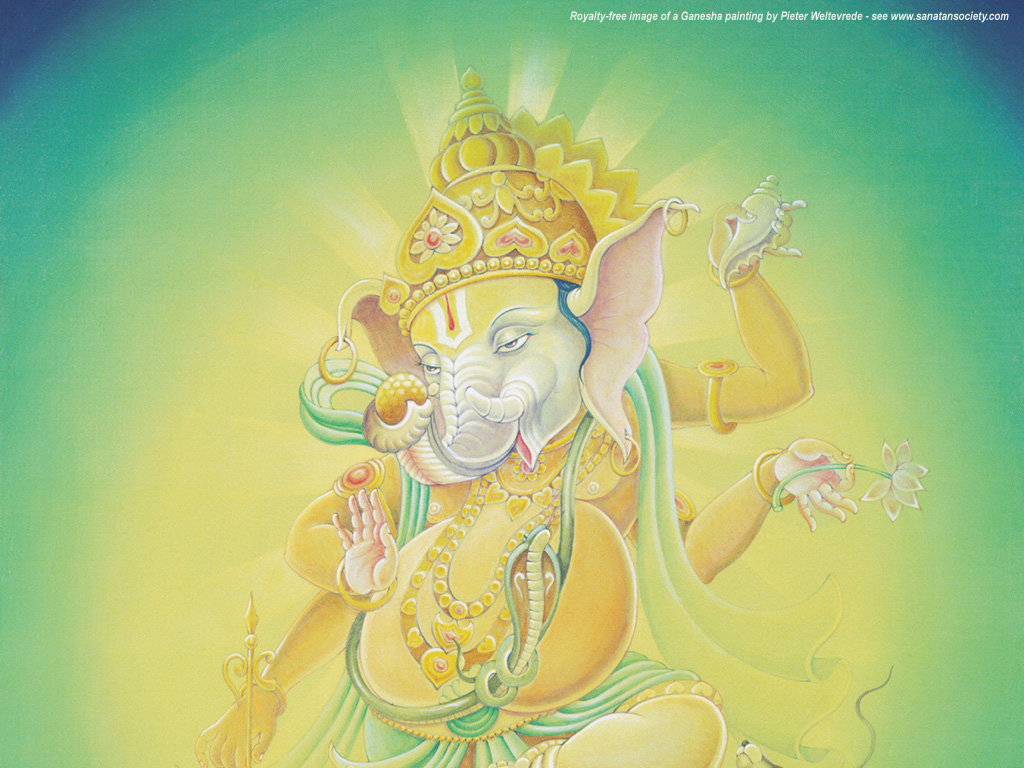
Joyful Ganesha |
|||||||||
|
|||||||||
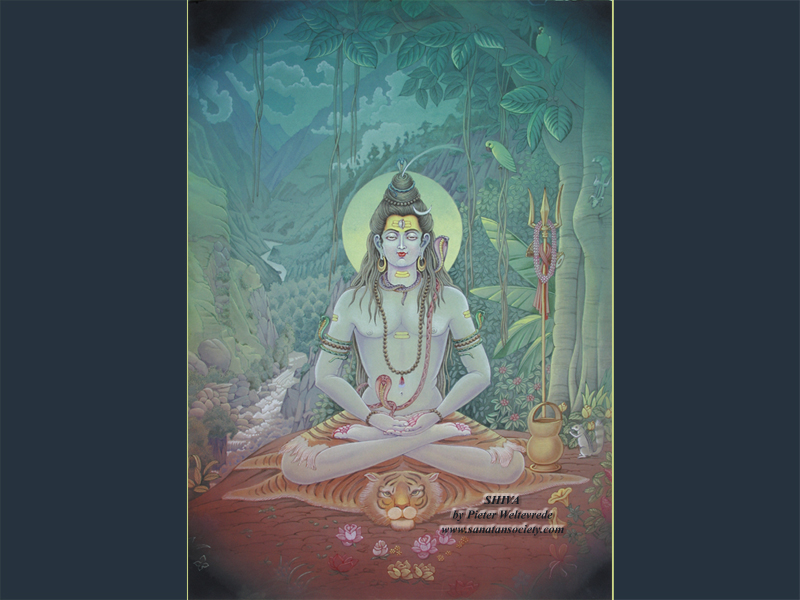
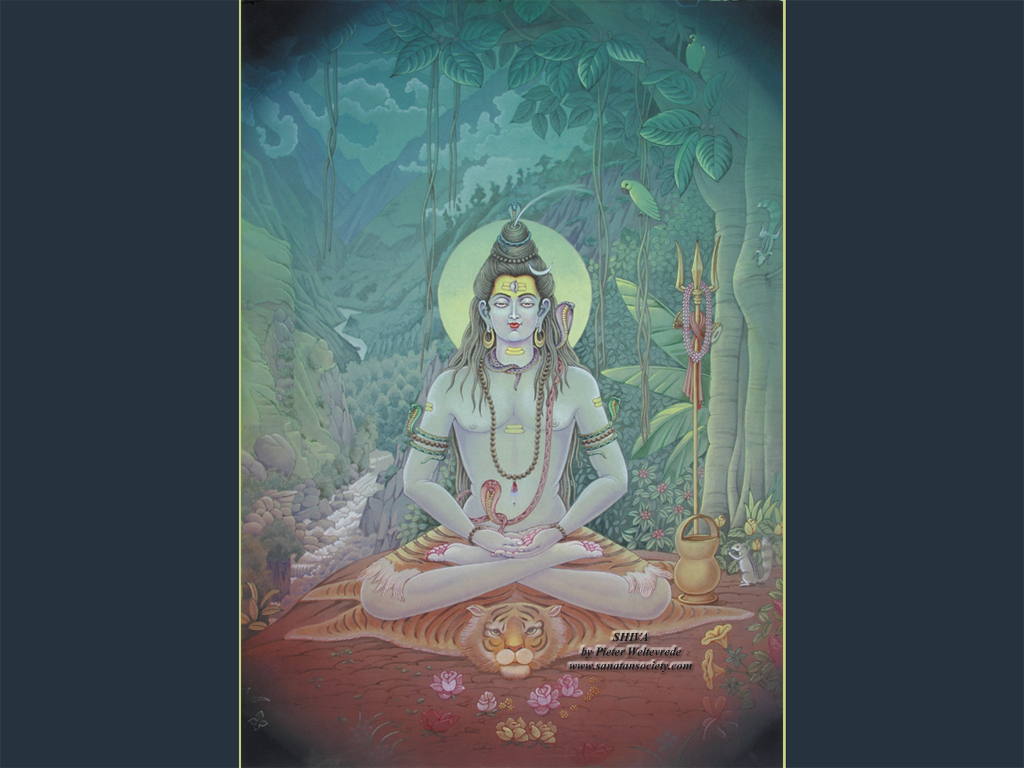
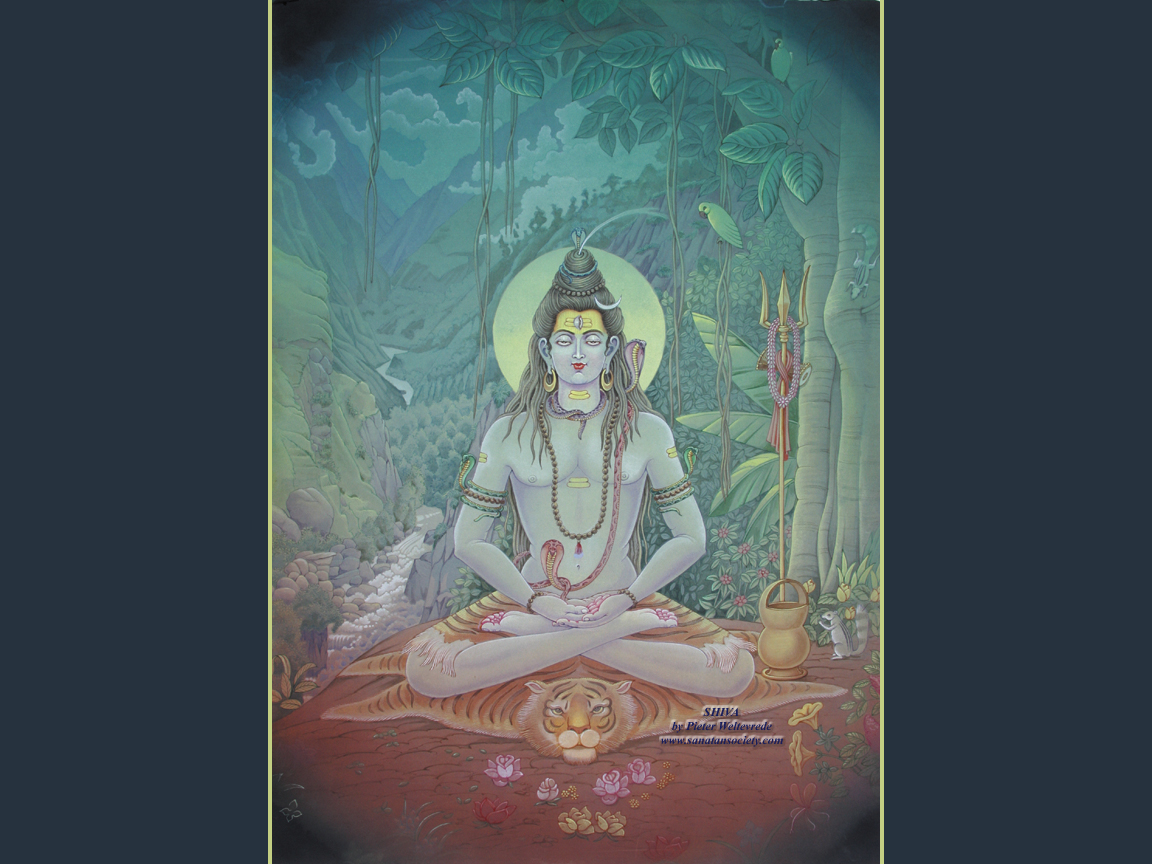
| Shiva
meditating in the Forest |
|||||||||
|
|||||||||
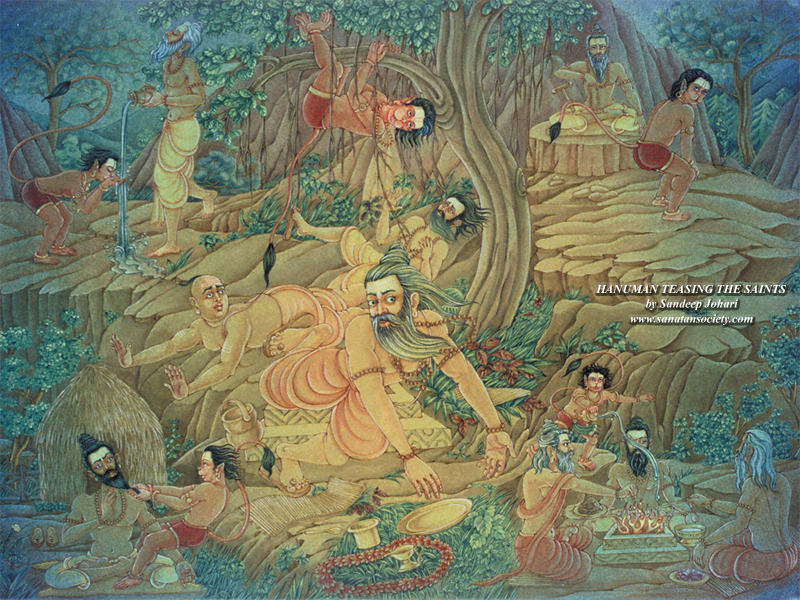
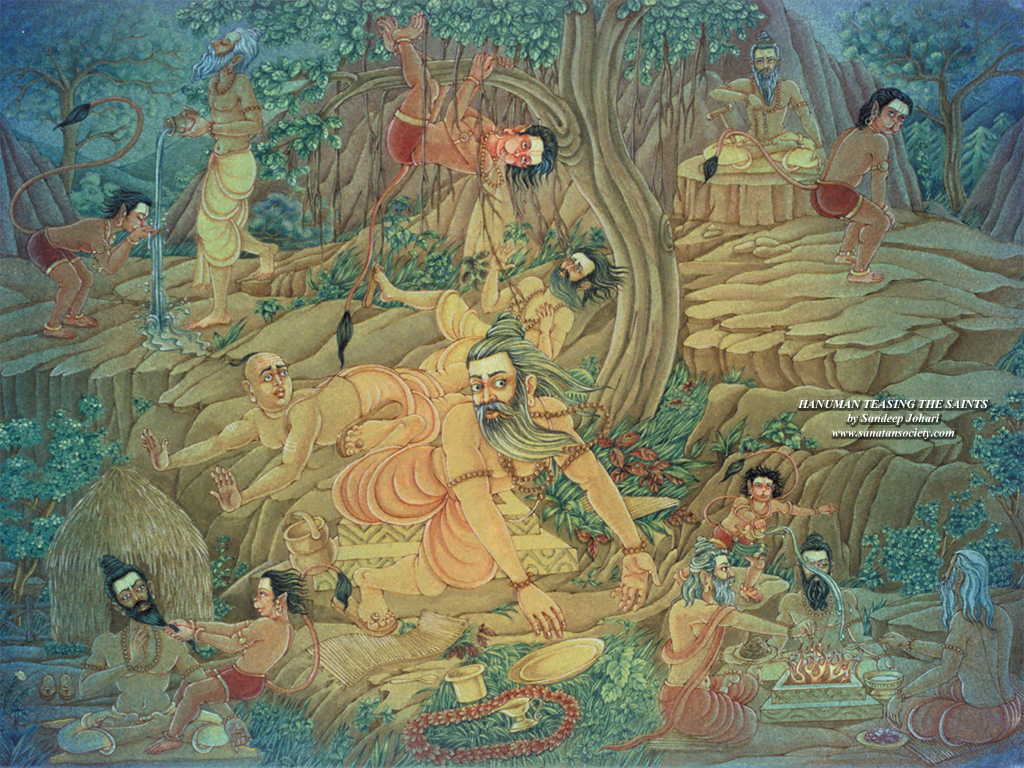
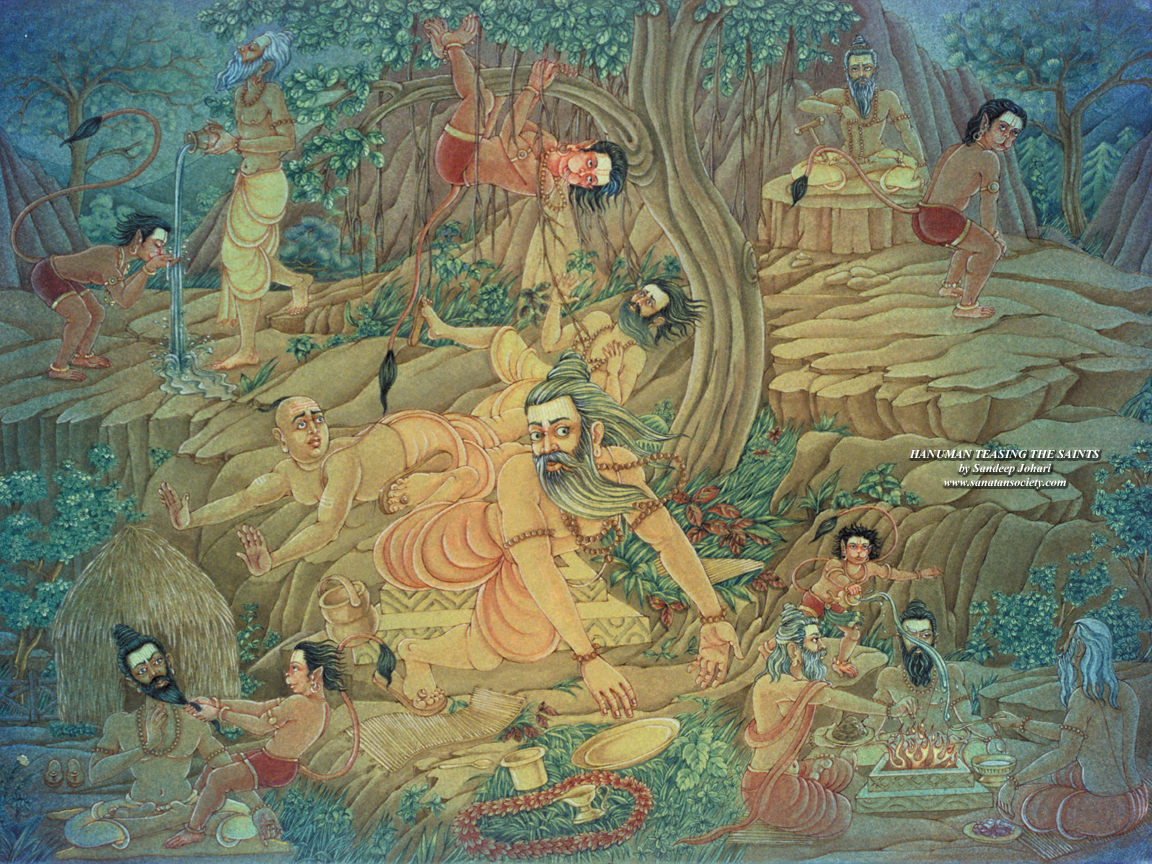
| Hanuman
teasing the Saints |
|||||||||
|
|||||||||
 Guru Brahma, Guru Vishnu, Guru Devo Maheshwara, Guru Saksat Parabrahma, Tasmae Shri Guruve Namaha
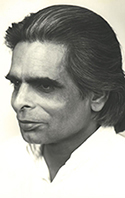 Sanatan Society is an international networking association of students of the late Harish Johari, joining efforts to promote his teachings of yoga philosophy, tantra, worship, art and love. Sanatan Society stands
for the original, universal and eternal truth, path or law of yoga.
Though it is Hindu in origin, Sanatan Society is not limited to any religion,
race, time or country, nor in fact to any particular organisation. More about Sanatan Society...
Sanatan Society is an international networking association of students of the late Harish Johari, joining efforts to promote his teachings of yoga philosophy, tantra, worship, art and love. Sanatan Society stands
for the original, universal and eternal truth, path or law of yoga.
Though it is Hindu in origin, Sanatan Society is not limited to any religion,
race, time or country, nor in fact to any particular organisation. More about Sanatan Society...